
Blog · Websites · · 3 min read
The school website checklist: what to publish and how to make it easy to use
A school website has two audiences with very different needs. Parents want term dates and the latest letter in a few taps. Inspectors, governors and prospective families want to find required information quickly. This checklist covers both.
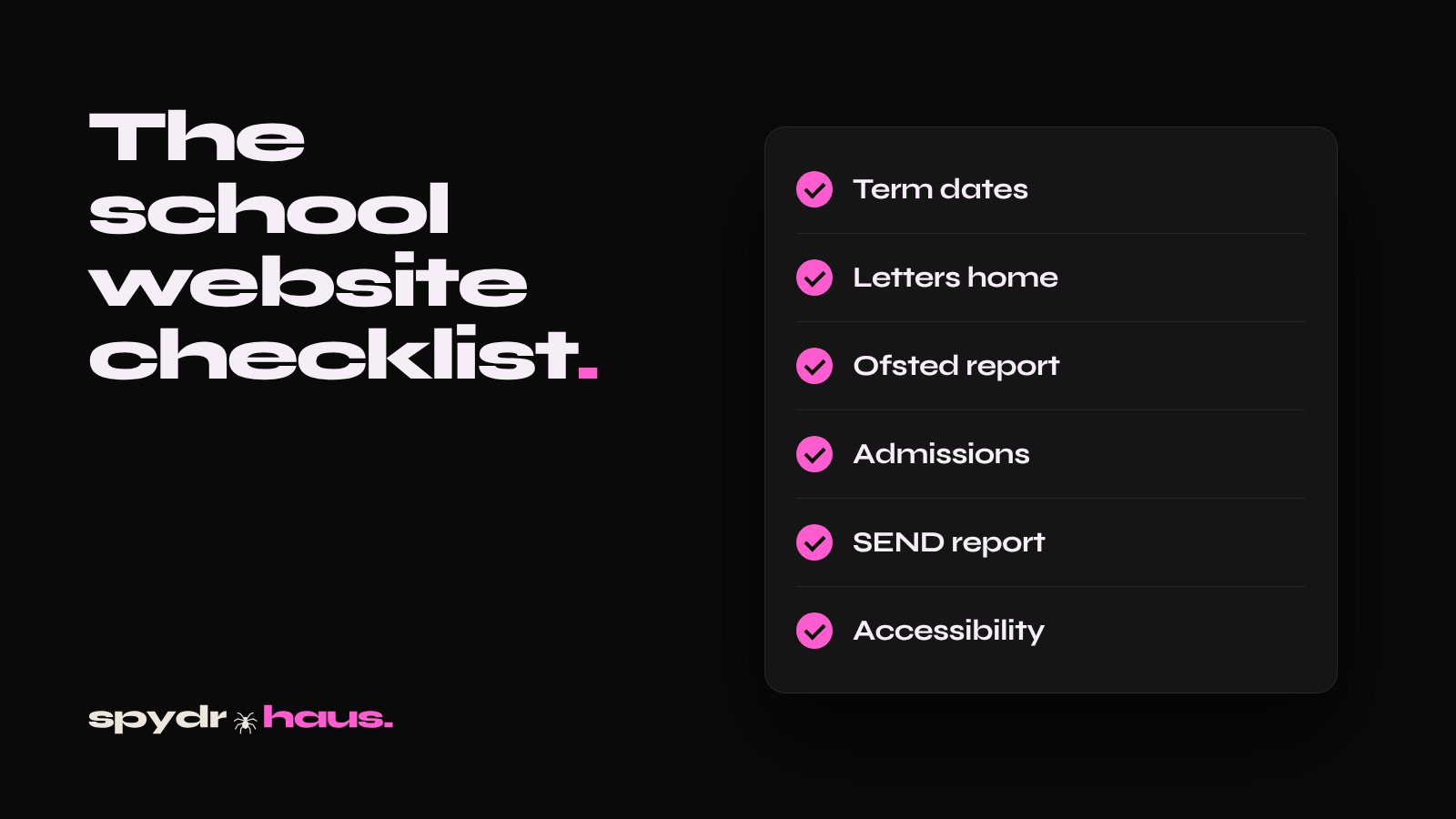
What schools are asked to publish online
The Department for Education publishes guidance on what maintained schools must publish online, and separate guidance for academies and free schools. The details change from time to time, so always check the latest version, but the list usually includes:
- Contact details and opening hours
- Admission arrangements
- Ofsted reports
- Exam and assessment results
- Curriculum information
- Behaviour policy
- SEND information report
- Pupil premium strategy
- PE and sport premium (primary schools)
- Careers programme (secondary schools)
- Uniform policy
- Charging and remissions policy
- Values and ethos
- Complaints procedure
- Equality objectives
- Governance information
- Financial information
- Accessibility statement
A good structure groups these under a clear "Key information" or "About us" section, so they're easy to find without cluttering the pages parents use every day.
Make it work for busy parents
Most parents visit on a phone, often in a hurry. The pages they need should be one or two taps from the home page.
- Term dates and the calendar, kept up to date and easy to add to a phone calendar.
- Letters and newsletters, newest first, readable on a phone, with a download as a backup.
- Lunch menus, uniform and clubs, the everyday questions that fill the school office inbox.
- Absence reporting and contact, with clear phone numbers and email addresses.
- Simple navigation, with plain labels like "Parents" and "Term dates" rather than clever names.
Accessibility for every family
School websites are used by parents, carers and pupils with a wide range of needs, and schools are covered, at least in part, by the Public Sector Bodies Accessibility Regulations 2018. Aim for WCAG 2.2 AA and publish an accessibility statement. In practice, that means:
- Good colour contrast and text that can be resized without breaking the page.
- Proper headings and link text, so screen readers can navigate.
- Alt text on images and captions on videos.
- Forms that work with a keyboard, with clear labels and error messages.
- Fewer PDFs. Important information is easier to use as a web page than a download.
Win over prospective families
For families choosing a school, your website is often the first visit. Real photos of daily life, a short welcome from the head, clear open day information and a feel for the school's character do more than a page of policies. Keep it warm and easy to browse.
Keep it easy to update
A school site is only as good as its latest update. Staff should be able to add a letter, change term dates or post news in minutes, without needing a developer. That makes the choice of content management as important as the design.
We design and build school websites that are clear for parents, simple for staff to update and accessible for everyone. Tell us about your school.
FAQ
What information must a school website include?
DfE guidance lists the information schools should publish, including contact details, admissions, Ofsted reports, results, curriculum, behaviour policy, SEND information, pupil premium, governance and financial information. Maintained schools and academies have separate guidance, so check the latest version for your school type.
Do school websites need to be accessible?
Yes. Schools are covered at least in part by the Public Sector Bodies Accessibility Regulations 2018. Designing to WCAG 2.2 AA and publishing an accessibility statement is the sensible target.
Can school staff update the website themselves?
They should be able to. A good school website lets staff add letters, news and term dates in minutes without a developer.

Need a website that stops the scroll?
Custom designed for your brand, never a template.